
X-Ray Tube Replacement on Siemens SOMATOM CT
Target long-tail queries: Siemens SOMATOM CT x-ray tube replacement part number and serial check
Replacing the tube on a SOMATOM is rarely a like-for-like swap. Confirm the fault is in the tube, then confirm the replacement matches the installed configuration.
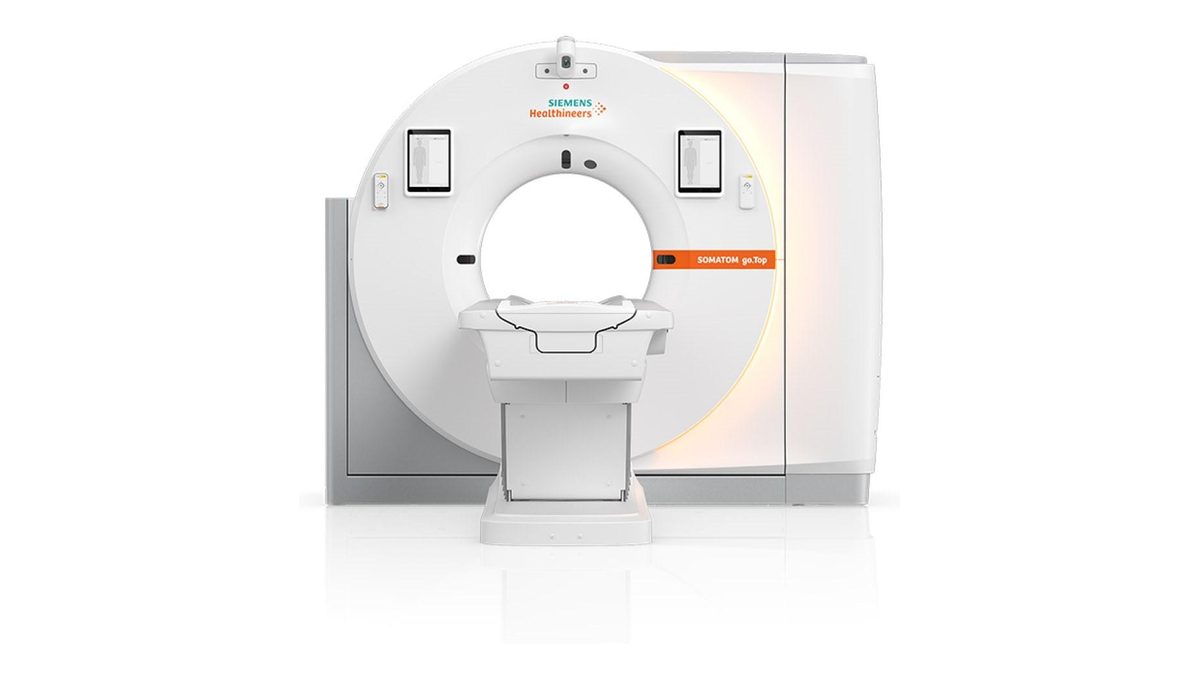
Reading the wear signals
A worn tube rarely fails without warning. On SOMATOM systems the first signs are a rising tube current needed to hold image quality, focal spot instability, arcing at high kV, and repeated warm-up or anode rotation errors. HU drift and a slow climb in image noise point to the same trend. Pull the tube heat and mAs counters from the service log and read the error history before ordering anything. One arc event is not a verdict, but a rising trend across weeks is.
Separating tube, generator and detector faults
Not every imaging fault is a tube fault. Over-voltage or arc feedback errors often trace to the high-voltage generator, the HV cable or its connector, while ring artifacts, streaks and dead channels point to a CT detector module. Run an air calibration and check detector temperature and channel maps; monitor generator feedback during an exposure. Ordering a tube for a detector problem wastes a shutdown window. Map the symptom to the subsystem first, then select from Spare parts or the full Equipment listing.
Compatibility data to capture
A part number alone is not sufficient to guarantee compatibility. Record the tube housing nameplate PN in the format PN xxxxxx, its serial number, the system serial, the firmware version and any installed options such as dose or cardiac packages. The same tube PN can ship with different generator revisions, and tube-handling firmware on one SOMATOM variant may reject a housing accepted on another. Send nameplate photos and the error screen with the request. Our Maintenance team can cross-check the mapping, or use Contact to send the data.
Frequently asked questions
Does one tube PN guarantee a fit?
No. Match the PN to model, serial range, firmware and installed options before release.
Which photos belong in an RFQ?
The tube housing nameplate, the system ID plate and the error-log screen with the latest codes.
Do you unlock software options?
No. We supply hardware only and do not activate licensed software options.
Related parts and models
Part numbers are reference identifiers taken from public catalogs. Confirm against the serial number, firmware version and installed options of your unit before ordering.